
Split PDF
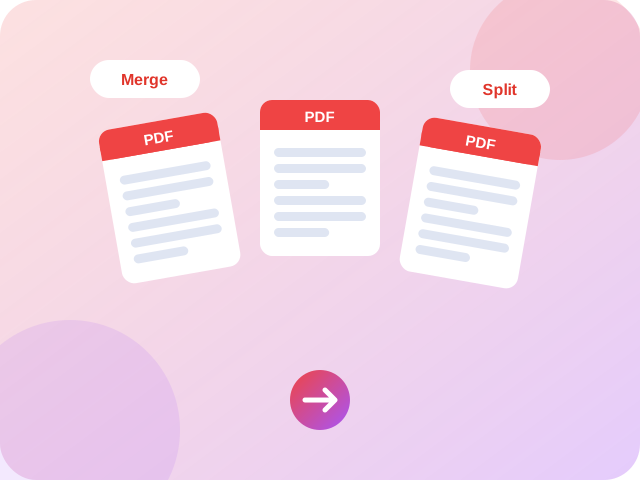
Extract pages or split a PDF into single pages.
How to use Split PDF
follow along with the steps below
 1
Add your file or enter your details above.
 2
Adjust the options.
 3
Download or copy the result.

About Split PDF
Split PDF is a free online tool from Supreme Pro. Extract pages or split a PDF into single pages. It runs in your browser, so there is nothing to install and no account to create. PDF work is one of the most common reasons people look for an online tool, and because this one runs locally your documents are never uploaded.
Common uses
- Prepare documents for email, printing or upload to an online portal
- Fix a file that is too big, in the wrong order or rotated
- Combine and tidy PDFs without installing desktop software
Tips for best results
- Keep a copy of the original file before you download the result
- Very large files can be slow on older phones, so close other tabs first
- Open the finished PDF and check it before you send it on
Practical tips
Note the page numbers you need before splitting, for example 3-7. Open the result to confirm the right pages were extracted, and keep your original in case you need a different section later.
Frequently Asked Questions about Split PDF
Quick answers about using Split PDF.
Can I extract a single page?
Yes, choose the page number or range you want.
Is my PDF uploaded?
No. The file is processed in your browser.
What other tools can I use after the Split PDF?
You can try Compress PDF, PDF to Image or Image to PDF. All of them are free and run in your browser. You can also browse every one of our PDF tools.
Will Split PDF change the layout or quality of my PDF?
Split PDF works on the pages of your PDF directly instead of rebuilding the document, so text, fonts and images keep their original look in most cases. PDFs with unusual fonts, forms or encryption can behave differently, so open the result and check it before you send it on.
Can Split PDF work with password-protected PDFs?
Files protected with a password usually cannot be processed. Remove the protection in the program that created the PDF, or ask the owner for an unlocked copy, then try again.
Do I need an account to use the Split PDF?
No. The Split PDF works without an account or sign-up. Open the page, use the tool and download or copy the result.
Which browsers and devices work with the Split PDF?
Current versions of Chrome, Edge, Firefox and Safari on Windows, macOS, Android and iOS. Keep your browser up to date for the best results.
Does the Split PDF add a watermark to my files?
No. Supreme Pro does not add a watermark or logo to what you create with the Split PDF.
Related tools
 Merge PDFCombine several PDF files into one document.
 Compress PDFOptimize and shrink PDF file size without losing quality.
 PDF to ImageTurn PDF pages into downloadable images.
 Image to PDFCombine images into one PDF document.
 Rotate PDFRotate every page of a PDF by 90, 180 or 270 degrees.
 Delete PDF PagesRemove unwanted pages from a PDF.
Why people choose Supreme Pro


