Currency Converter
Live exchange rates with PKR support.
How to use Currency Converter
follow along with the steps below
 1
Add your file or enter your details above.
 2
Adjust the options.
 3
Download or copy the result.


About Currency Converter
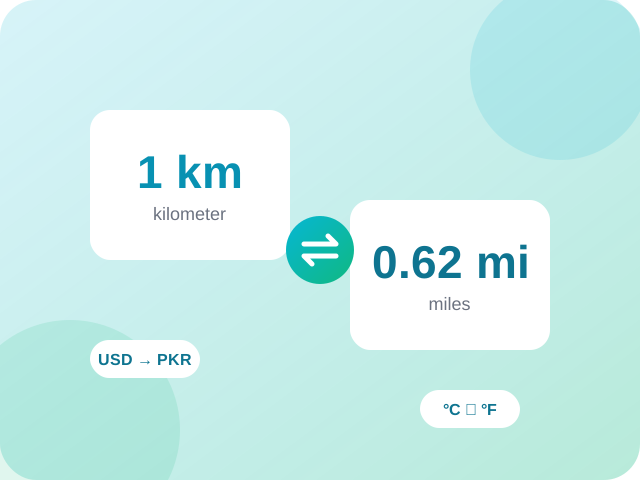
Currency Converter is a free online tool from Supreme Pro. Live exchange rates with PKR support. It runs in your browser, so there is nothing to install and no account to create. Converters should be instant and exact, so the maths runs right in your browser.
Common uses
- Convert quickly between units, formats and systems
- Check measurements when shopping, cooking, travelling or studying
- Avoid manual maths and rounding mistakes
Tips for best results
- Type in either box, the other one updates live
- Check the number of decimals if you need high precision
- Bookmark the pair of units you use most often
Practical tips
Exchange rates move through the day and the rate you get from a bank, card or exchange shop includes their own margin, so treat the converted figure as a guide. Check the rate again right before a large transfer or purchase, and compare the total you will actually pay, including fees.
Frequently Asked Questions about Currency Converter
Quick answers about using Currency Converter.
Which currencies are supported?
PKR, USD, EUR, GBP, AED, SAR, INR, CAD, AUD, CNY, TRY and JPY.
Why does my bank give a different amount?
Banks and exchange services add fees or a margin to the market rate, so the amount you receive can be lower.
What other tools can I use after the Currency Converter?
You can try Time Zone Converter, Islamic Date Converter or Unix Timestamp Converter. All of them are free and run in your browser. You can also browse every one of our converters.
How accurate is the Currency Converter?
Conversions use standard conversion factors and the result is rounded for display, so tiny rounding differences are normal. For science or engineering work, check how many decimals you need.
Can I convert the other way round with the Currency Converter?
Most conversions have a matching reverse tool. Browse the converters list or use the related tools below this page to find it.
Do I need an account to use the Currency Converter?
No. The Currency Converter works without an account or sign-up. Open the page, use the tool and download or copy the result.
Which browsers and devices work with the Currency Converter?
Current versions of Chrome, Edge, Firefox and Safari on Windows, macOS, Android and iOS. Keep your browser up to date for the best results.
What should I do if the Currency Converter is not working?
Refresh the page, try a different or smaller file or input, and make sure your browser is up to date. Turning off extensions that block scripts can also help. If the problem remains, contact us with your browser name and the steps you took.
Related tools
 Unit ConverterLength, weight, temperature, data and time.
 Time Zone ConverterCompare times across countries instantly.
 Islamic Date ConverterToday's Hijri date and Gregorian to Hijri conversion.
 Unix Timestamp ConverterConvert timestamps to dates and back.
 Roman Numeral ConverterConvert numbers to Roman numerals and back.
 Number Base ConverterBinary, octal, decimal and hex in one place.
Why people choose Supreme Pro


