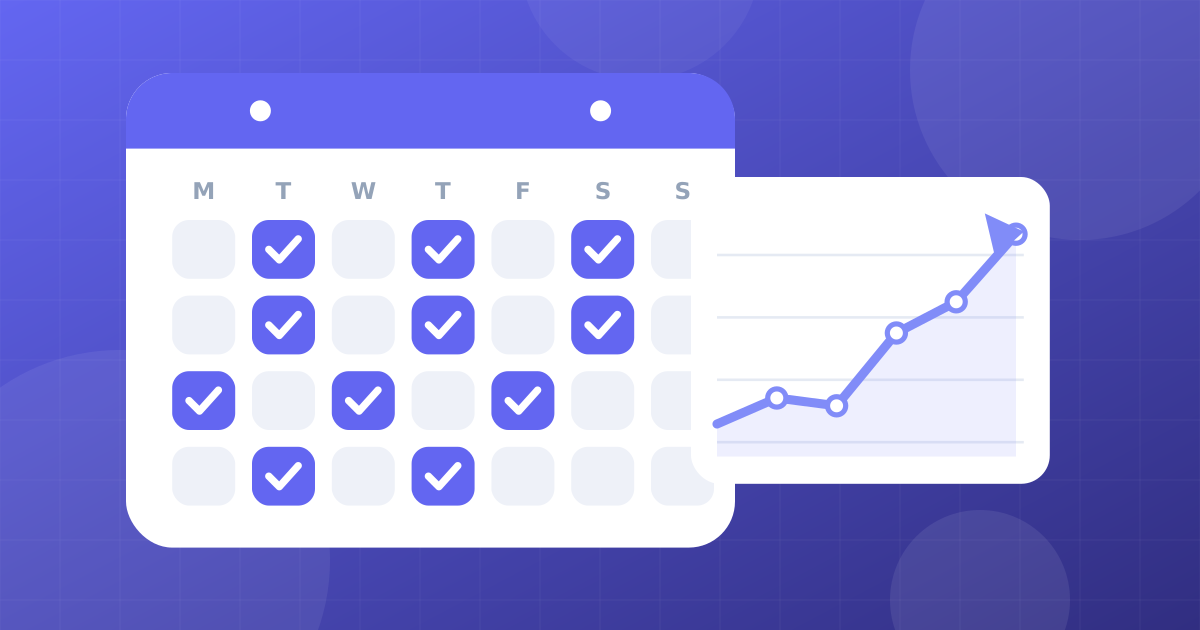
Why a calendar matters
Creators rarely quit because they run out of ideas. They quit because the process becomes chaotic. A calendar turns creative work into a routine. You always know what to make next, so you waste less energy deciding and more energy creating.
A calendar also helps your audience. When viewers know roughly when to expect content, they return more often.
How often should you post?
The best frequency is the one you can sustain for at least six months while keeping quality high. As a rough guide:
| Platform | Starter pace | Growth pace |
|---|---|---|
| --- | --- | --- |
| YouTube long videos | 1 per week | 2 per week if quality holds |
| YouTube Shorts | 3 per week | 1 per day |
| TikTok | 5 per week | 1 to 3 per day |
| Instagram Reels | 3 per week | 1 per day |
These are starting points, not rules. If your editing time is limited, choose fewer, stronger posts. Quality problems cost more than missing a day.
Build an idea bank
An idea bank is a simple list of at least fifty ideas. Add to it whenever you see a question, comment, trend or problem. Organise ideas by theme (for example, beginners, mistakes, comparisons, case studies and challenges). When you sit down to plan, pick from the list instead of staring at a blank page.
Good sources of ideas:
- Questions in your comments and direct messages.
- Search autocomplete for your topic.
- Videos that performed well in your own analytics.
- Competitors' popular videos, with your own angle.
- Real problems you solved this week.
Create content pillars
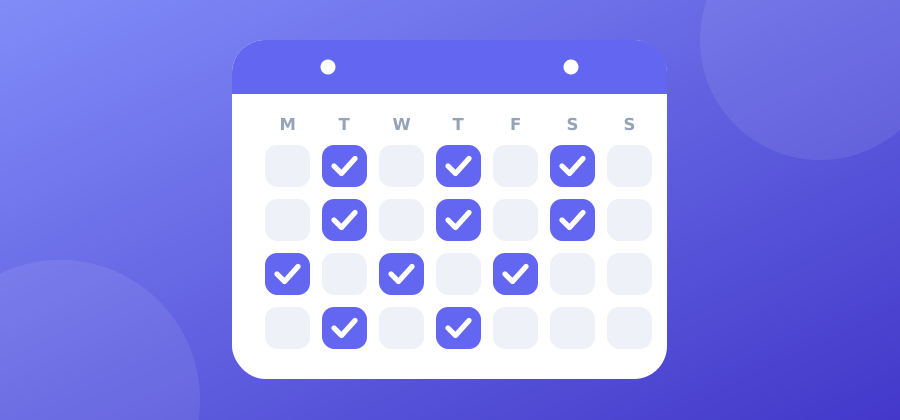
Pillars are three to five themes that guide your content. For a study channel: techniques, tools, motivation, exam stories. Rotate pillars so your channel stays varied but focused. Each week try to include one educational video, one entertaining or personal video and one that targets search.
Batch your work
Batching means doing the same type of task for many videos at once.
- Planning day: choose topics, write hooks and outlines.
- Writing day: write scripts or bullet points.
- Filming day: record several videos in one session, changing outfit or background if needed.
- Editing day: edit in a block. Use the Pomodoro Timer to stay focused in 25-minute sprints.
- Publishing day: write titles, thumbnails, captions and schedule uploads.
Batching reduces setup time and keeps your style consistent.
Repurpose every video
One piece of research can become many pieces of content:
- A long video becomes three to five Shorts.
- A tip becomes a text post or carousel.
- A story becomes a TikTok series.
- A tutorial becomes a checklist or e-book.
Use the Video Trimmer to cut clips and the Video Compressor to prepare files for sharing. See editing videos fast for a workflow.
A sample four-week calendar
| Week | Monday | Wednesday | Friday | Weekend |
|---|---|---|---|---|
| --- | --- | --- | --- | --- |
| 1 | Plan and script | Film long video | Edit, upload | Cut 3 Shorts |
| 2 | Plan and script | Film long video | Edit, upload | Reply to comments |
| 3 | Plan and script | Film long video | Edit, upload | Cut 3 Shorts |
| 4 | Review analytics | Film long video | Edit, upload | Plan next month |
Adjust it to your life. If you work or study, use evenings and weekends.
Choose posting times using data
In your analytics, check when your followers are most active. If your audience lives in other countries, convert times with the Time Zone Converter. Posting a little before the active hours can give a video time to start before peak traffic, but consistency matters more than perfect timing.
Track a few numbers
Keep a simple spreadsheet:
- Date and platform
- Topic and hook
- Views and average watch time
- Click-through rate (for YouTube)
- Shares, saves and comments
- Notes on what worked
Once a month, review the sheet and pick two things to repeat and one to stop.

Plan for low-energy weeks
Prepare a buffer of two or three finished videos so you can skip a week of filming without missing posts. Keep a list of easy formats, such as Q&A, reactions or a simple tutorial. If you need to take a break, tell your audience, then return with something good.
Avoid burnout
- Set a maximum working time per video.
- Do not compare your first year with someone else's fifth.
- Celebrate small wins, like a better retention graph.
- Take one day off every week.
Weekly review routine (30 minutes)
- Open analytics and note the best and worst video.
- Ask why: topic, hook, thumbnail or length.
- Write one lesson.
- Choose next week's three topics from the idea bank.
- Schedule your batch days.
A good calendar is simple enough to follow on your busiest day. Start with one small commitment, keep it for a month and then raise the pace if it feels comfortable.


 25 Faceless YouTube and TikTok Channel Ideas (And How to Start Without Showing Your Face)
 How to Edit Videos Fast for Shorts, TikTok and Reels (Free Workflow)
 How to Find a Viral Niche for YouTube and TikTok (With 30 Niche Ideas)
 How to Get Your First 1,000 Subscribers on YouTube (Without Gimmicks)



