Android App Builder: Code, Preview & Export APK / AAB
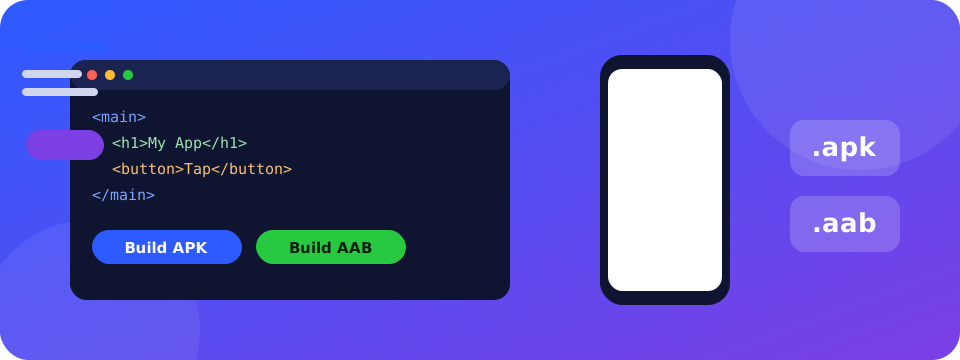
A mini Android Studio in your browser. Create files, write your app, watch it run in a phone frame, make your own signing key and download a real signed APK (for testing) and AAB (for Google Play).
What you get
Android App Builder: frequently asked questions
Is this a real Android Studio?
It is a lightweight in-browser editor that creates a standard Android Studio / Gradle project. You write the app as web files (HTML, CSS, JavaScript, images) that run full-screen in a native WebView, and you can edit the Java, manifest and Gradle files too.
How do I get an APK or AAB?
Download the Android project ZIP, upload it to a private GitHub repository and run the included workflow. In a few minutes you can download a debug APK, a signed release APK and a Google Play AAB. You can also open the project in Android Studio and use Build.
Can I create my own signing key?
Yes. The key panel creates a 2048-bit RSA keystore inside your browser, shows the fingerprints, and lets you download the .jks file and a key-info file. The key is stored only on your device.
Where are my files saved?
Only in your browser (IndexedDB). There is no sign-in and nothing is uploaded. Download the ZIP regularly as a backup.
Does the preview support images and multiple files?
Yes. Upload images and sounds, link them from your HTML or CSS, and the phone preview loads them like a real app. The console shows logs and errors.
Is it free?
Yes, completely free with no account.
Why people choose Supreme Pro



